



Product story
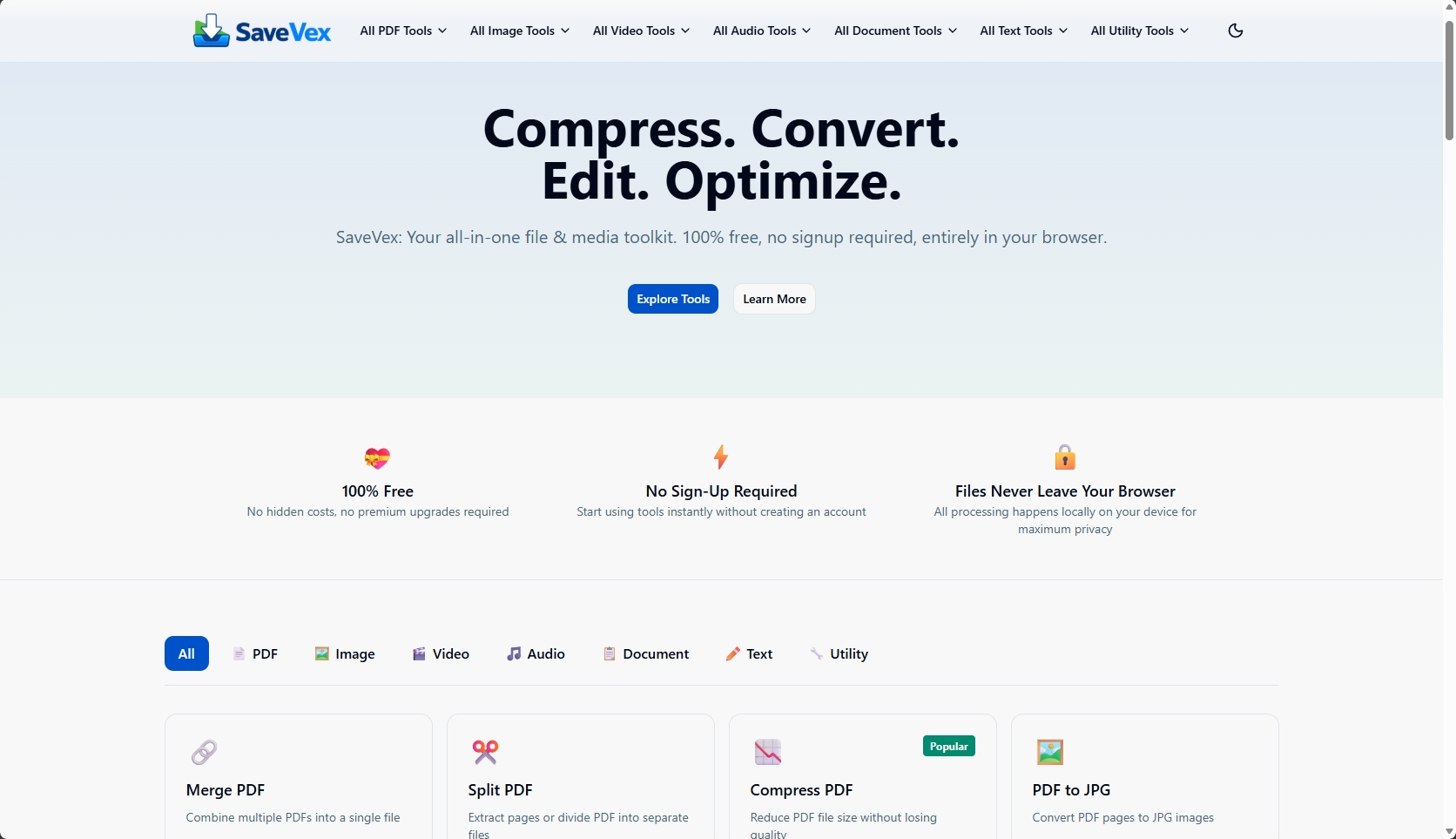
SaveVex: 50+ media tools with zero uploads
How we made heavy file processing for PDFs, images, video, audio and documents run entirely in the browser, with no uploads, no signup and no paywall.
Overview
- Client
- DzataTech product
- Services
- UI/UX design
- Web platforms
- In-browser processing

The challenge
Most online file tools work the same way: you upload your file to someone else’s server, wait, and download the result. That is slow on a patchy connection, it costs data, and it means handing over documents you may not want to share. Many of these tools also hide the useful features behind a signup or a paywall.
Our approach
We set one rule for SaveVex: your files never leave your device. Every tool runs inside the browser, on the user’s own phone or computer. There is no upload step, no account to create and nothing to pay.
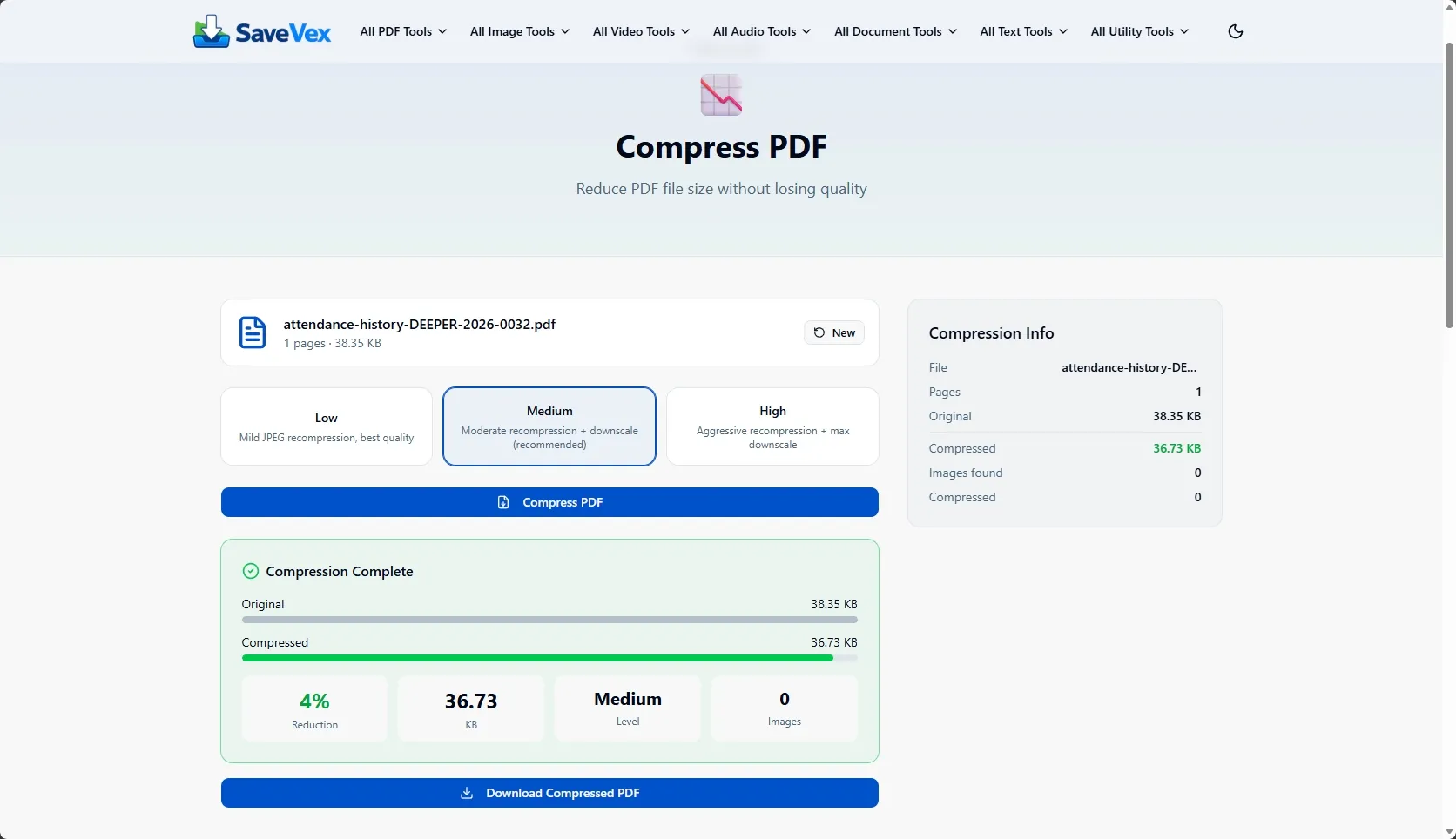
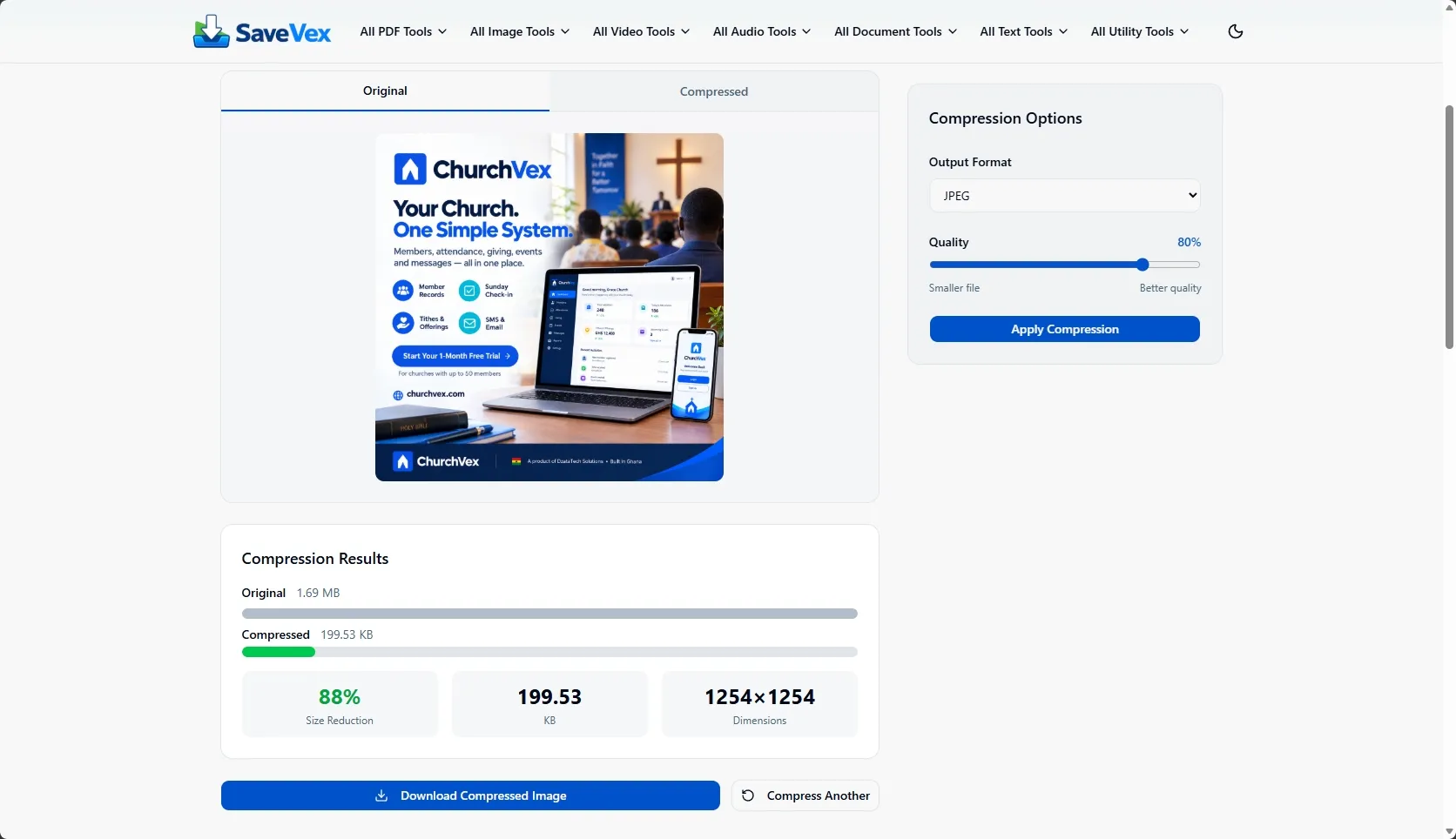
That rule shaped every decision. Processing has to be fast enough on ordinary devices, and the interface has to make a heavy job feel simple: pick a file, choose what you want, and save the result.
What we built
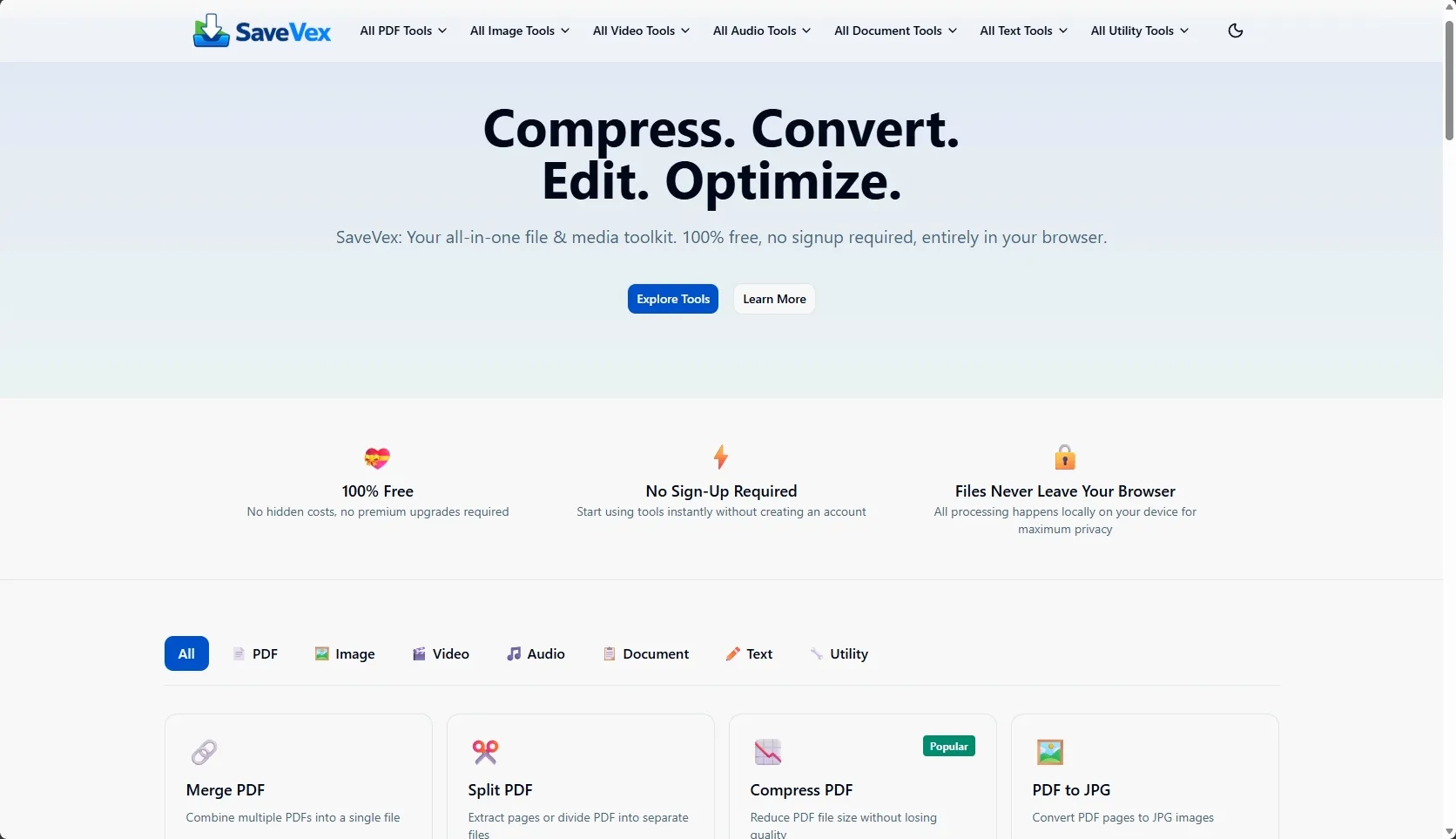
50+free tools 100%in-browser processingSaveVex groups its tools into seven families:
- PDF (17 tools)
- Image (11)
- Video (11)
- Audio (4)
- Document (10)
- Text (7)
- Utility (7)
The outcome
SaveVex is live and free at savevex.com: compress, convert, edit and optimize, with no signup and no paywall.